一、获取屏幕大小?
DisplayMetrics dm = new DisplayMetrics(); getWindowManager().getDefaultDisplay().getMetrics(dm); textView1.setText("分辨率:宽:" + dm.widthPixels + "高:" + dm.heightPixels);二、隐藏状态栏和标题栏
this.requestWindowFeature(Window.FEATURE_NO_TITLE); getWindow().setFlags( WindowManager.LayoutParams.FLAG_FULLSCREEN, WindowManager.LayoutParams.FLAG_FULLSCREEN);
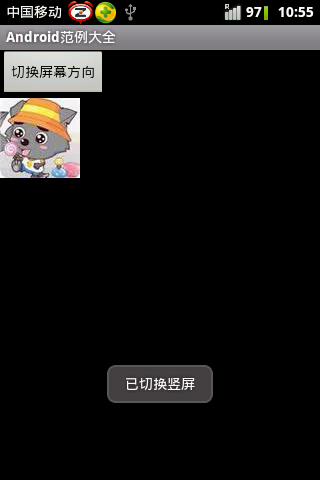
三、切换屏幕方向
预先在manifest.xml定义屏幕方向
<activity android:name=".EX05_22" android:label="@string/app_name" android:screenOrientation="portrait"></activity>?
private Button button1; private int width; private int height; public void onCreate(Bundle savedInstanceState) { super.onCreate(savedInstanceState); setContentView(R.layout.screen_change); button1 = (Button)findViewById(R.id.button1); button1.setOnClickListener(new OnClickListener(){ public void onClick(View v) { DisplayMetrics dm = new DisplayMetrics(); getWindowManager().getDefaultDisplay().getMetrics(dm); width = dm.widthPixels; height = dm.heightPixels; if(width < height){ setRequestedOrientation(ActivityInfo.SCREEN_ORIENTATION_LANDSCAPE); toast("已切换横屏"); } else{ setRequestedOrientation(ActivityInfo.SCREEN_ORIENTATION_PORTRAIT); toast("已切换竖屏"); } } }); } public void toast(String str) { Toast.makeText(ScreenChange.this, str, Toast.LENGTH_LONG).show(); }?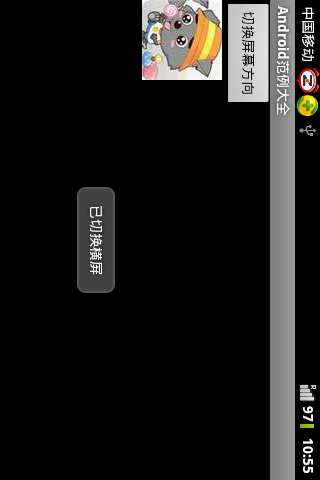
?