做的小网站一个页面
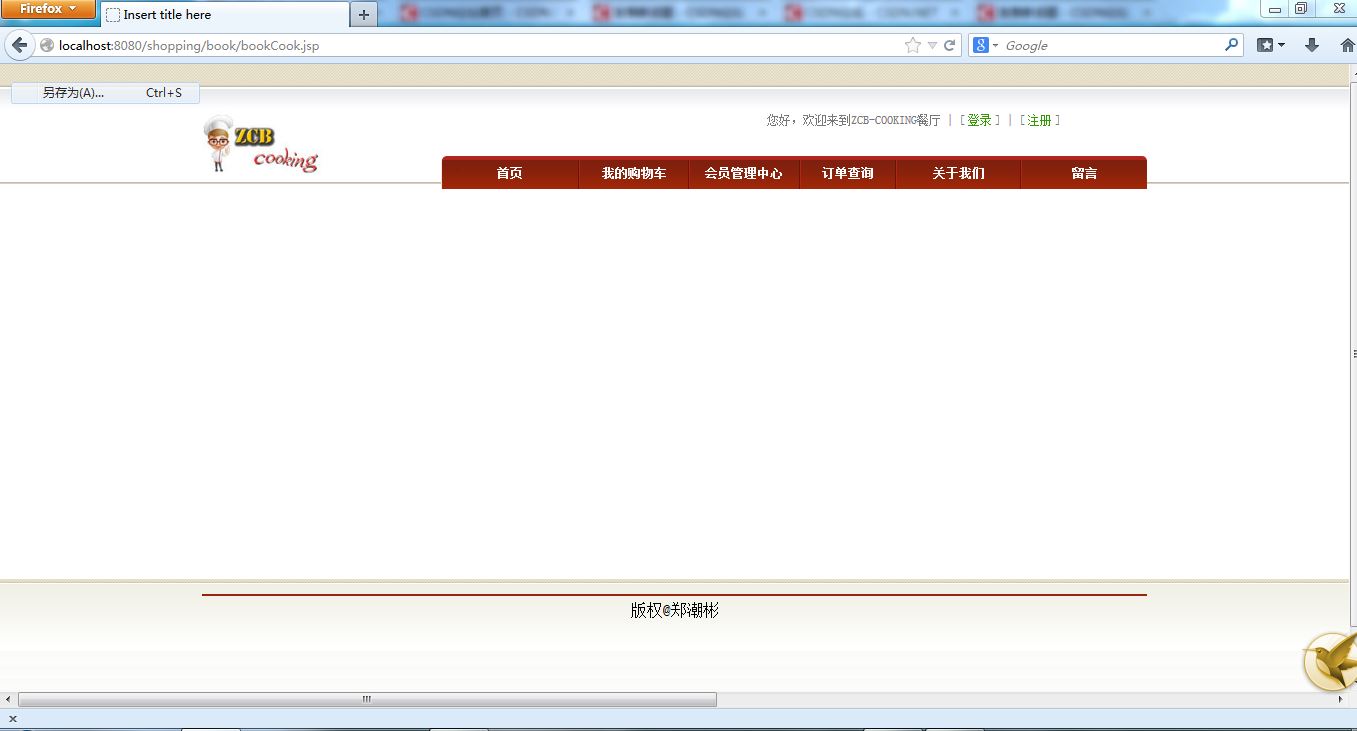
在火狐运行的页面:
在谷歌和IE运行的结果正常:
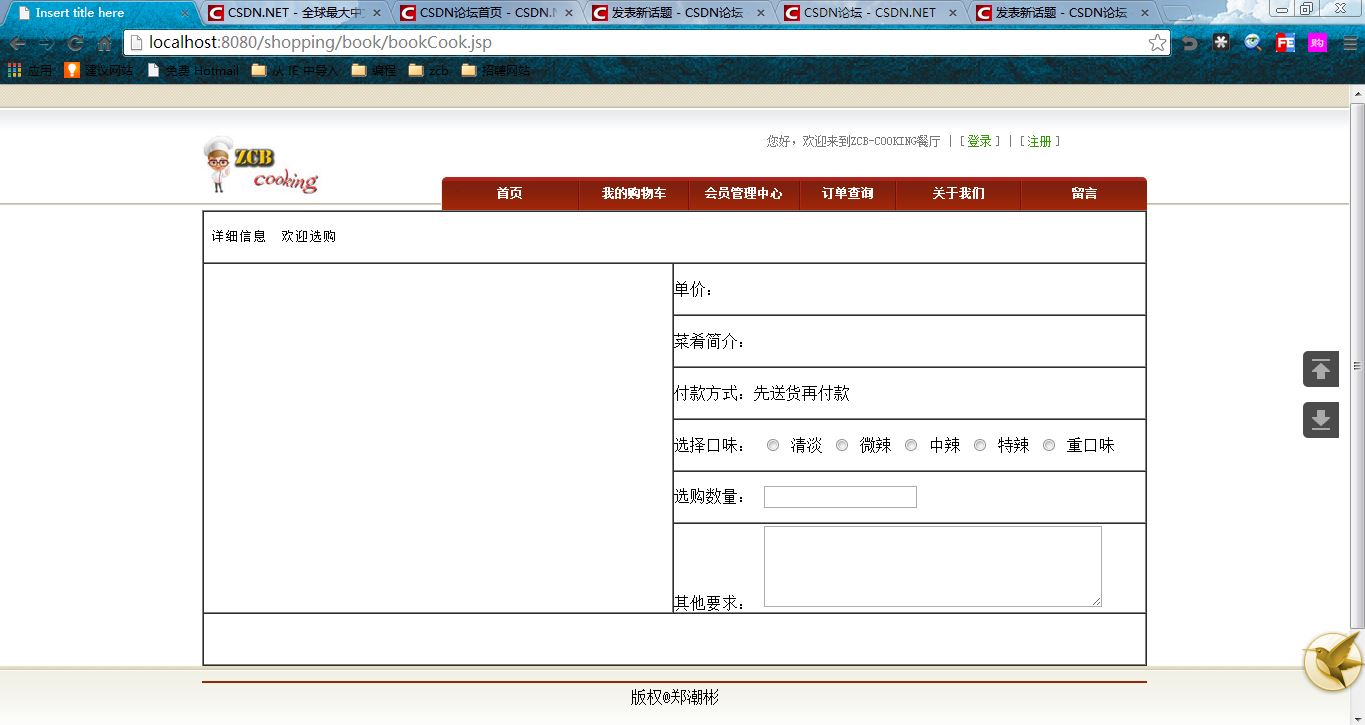
这个页面的源代码:首页是一个
<jsp:include page="../includeFile/top1.jsp"></jsp:include>
。。。。。。
<jsp:include page="../includeFile/bottom.jsp"></jsp:include>
如下:
<body>
<jsp:include page="../includeFile/top1.jsp"></jsp:include>
<center>
<div id="message">
<form action="">
<table border="1px" width="945px" height="450px" cellspacing="0px">
	<tr>
    	<td height="50" colspan="2"><pre>${menu.menu_name} 详细信息  欢迎选购</pre></td>
    </tr>
   	<tr>
    	<td width="467" rowspan="6"></td>
        <td width="468" height="50px">单价:${menu.menu_price}</td>
    </tr>
    <tr>
    	<td height="50px">菜肴简介:${menu.menu_content}</td>
    </tr>
    <tr>
    	<td height="50px">付款方式:先送货再付款</td>
    </tr>
    <tr>
    	<td height="50px">
    	选择口味:
    	    <label>
    	      <input type="radio" name="order_notice" value="清淡" id="order_notice_1">
    	      清淡</label>
    	    <label>
    	      <input type="radio" name="order_notice" value="微辣" id="order_notice_2">
    	      微辣</label>
    	    <label>
    	      <input type="radio" name="order_notice" value="中辣" id="order_notice_3">
    	      中辣</label>
    	    <label>
    	      <input type="radio" name="order_notice" value="特辣" id="order_notice_4">
    	      特辣</label>
    	    <label>
    	      <input type="radio" name="order_notice" value="重口味" id="order_notice_5">
    	      重口味</label>
    	</td>
    </tr>
    <tr>
    	<td height="50px">选购数量:
    	  <label for="textfield"></label>
    	  <input type="text" name="order_num" id="order_num"></td>
    </tr>
    <tr>
    	<td>其他要求:
    	  <label for="textarea"></label>
    	  <textarea name="other_notice" id="other_notice" cols="45" rows="5"></textarea></td>
    </tr>
    <tr>
    	<td height="50" colspan="2"></td>
      </tr>
</table>
</form>
</div>
</center>
<jsp:include page="../includeFile/bottom.jsp"></jsp:include>
</body>
top1.jsp页面代码
<body>
<div class="top" id="top"></div>
<div class="head">
	<div class="pageall">
		<div class="headin">
			<div class="logo_new left">
				<img src="../images/logo2.jpg" width="125" height="70">
			</div>
			<div class="rightmenu right">
				<div class="topmenu">
					您好,欢迎来到ZCB-COOKING餐厅 | [<a href="">登录</a>] | [<a href="">注册</a>]
				</div>
				<div class="webmenu">
					<ul>
						<li class="menushou"><a href="">首页</a></li>
						<li class="menumid1"><a href="">我的购物车</a></li>
						<li class="menumid2"><a href="">会员管理中心</a></li>
						<li class="menumid3"><a href="">订单查询</a></li>
						<li class="menumid4"><a href="">关于我们</a></li>
						<li class="menuwei"><a href="">留言</a></li>

					</ul>
				</div>

			</div>
		</div>


	</div>